Agentic Enterprise / HEADLESS 360
Adopt MCP with Agentforce on Headless 360: A 90‑Day Decision Playbook
A decision-focused playbook for enterprises: adopt MCP as your context fabric and run a 90‑day Agentforce pilot on Headless 360 to de-risk agent deployments and retain control over data, discovery, and authorization.
THE DECISION PATH
Agentic Enterprise / operating model- 01Workflow
- 02Context
- 03Control
- 04Evidence
# Make the MCP Decision: Deploying Model Context Protocol with Salesforce Agentforce on Headless 360
Executive summary
Enterprises that must bind proprietary context (customer data, tools, and internal workflows) to AI agents face two simultaneous requirements: (1) a repeatable interoperable protocol for exchanging context between AI hosts and context servers, and (2) an operational platform that surfaces those agents where work actually happens. The Model Context Protocol (MCP) provides a standards-first, JSON‑RPC based data layer and two recommended transports (stdio for local, Streamable HTTP for remote). Salesforce’s Headless 360 + Agentforce portfolio already positions teams to run humans-with-agents workflows. The concrete decision for enterprise leaders: prioritize an MCP-first pilot that connects one or two internal context services to Agentforce via Headless 360 within 90 days to de-risk agent rollout and preserve control over data, discovery, and authorization.
Why make this decision now
- MCP is purpose-built to decouple context delivery from any single LLM runtime: it defines discovery, resources, tools, prompts, and notifications as primitives so clients and servers negotiate capabilities with a predictable JSON‑RPC schema. This reduces bespoke integration work when you later swap agent hosts or evolve models. (MCP architecture overview.)
- Headless 360 (the Headless 360 platform listed on Salesforce Agentforce pages) is the integration surface that enables teams to assemble Agentforce tools, Dev Tools, AgentExchange, and Agentforce Operations into production workflows. Using MCP as the context fabric keeps your Headless 360 implementation portable and auditable.
What MCP gives you (concise)
- A data-layer protocol for capability discovery, tools, resources, and notifications using JSON‑RPC 2.0.
- Two transport options: stdio for high-performance local integrations (single client/server), and Streamable HTTP for remote servers that need standard HTTP auth and server‑sent events for streaming.
- Guidance on authentication patterns: MCP recommends OAuth for obtaining tokens used by the transport layer.
How this maps into Headless 360 + Agentforce
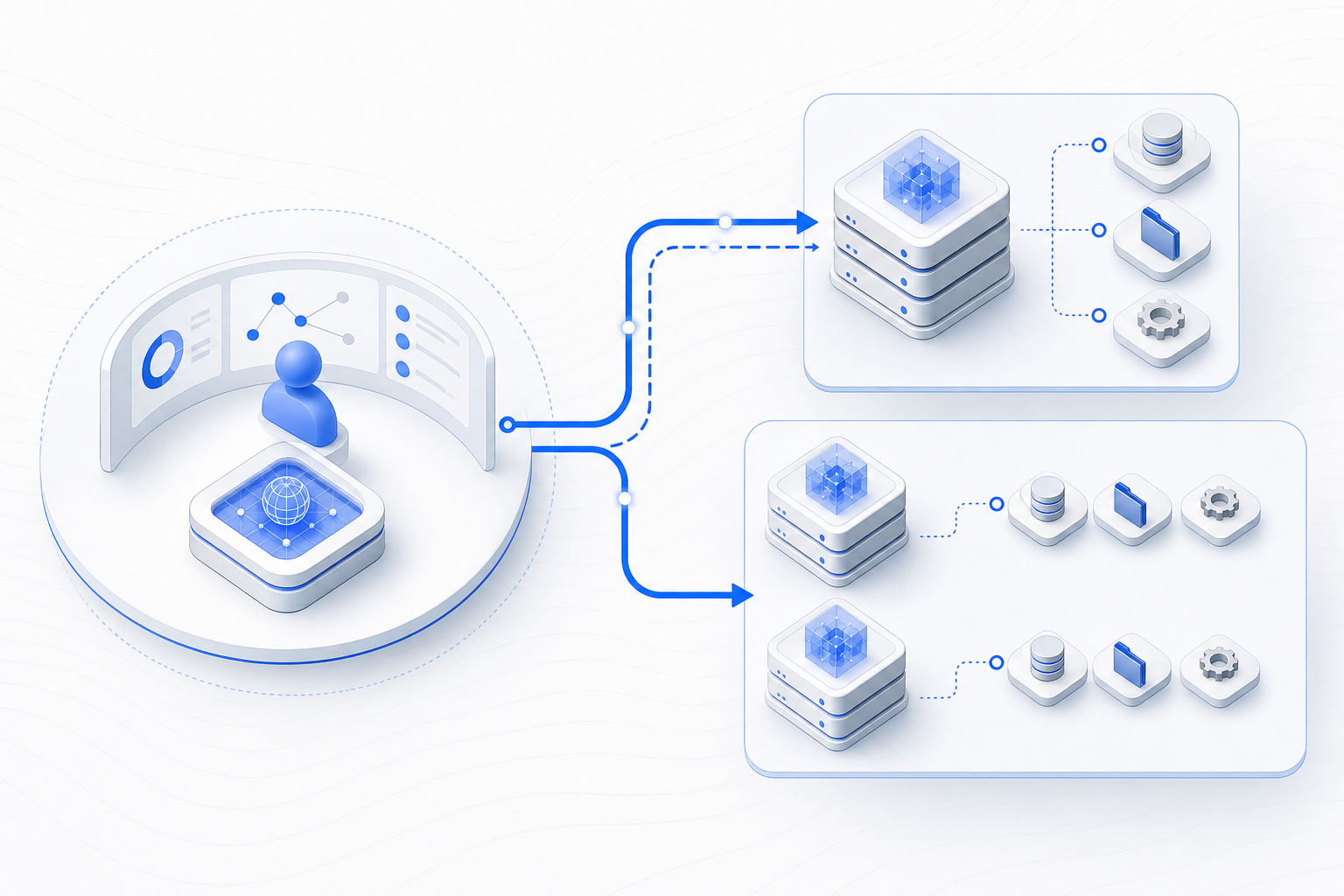
Headless 360 is explicitly positioned to "build and customize your Agentforce and Customer 360" and to host Agentforce Dev Tools, Agentforce Operations, and AgentExchange components. Treat MCP as the context contract between:
- MCP servers housing internal context (examples: secure customer attributes, on‑prem tooling, proprietary rules engines), and
- Agent hosts surfaced through Headless 360 (Agentforce agents, Slackbot integrations, workflow components).
Converging MCP with Headless 360 means the Headless 360 platform can orchestrate agent lifecycle and UX while MCP ensures context is discoverable, versioned, and delivered securely.
A concrete 90‑day plan (what to do this quarter)
Week 0–2: Scope and guardrails
- Identify one high‑value use case (e.g., support agent augmentation or a sales opportunity‑scoring assistant) and the specific internal context required. Limit scope to 1–3 context sources.
- Define compliance and privacy guardrails (who can see which fields, retention rules). Decide whether context servers will be local-only or need remote access.
Week 3–6: Build a minimal MCP server and headless connector
- Implement or deploy an MCP server that exposes the selected context resources and one or two tools needed by the scenario. Use the MCP reference patterns for Discovery and Tools to ensure the client can query capabilities. (See MCP architecture overview.)
- If the MCP server will run on the same host as your agent runtime, use stdio transport; if it must be remote, implement Streamable HTTP and OAuth token flow as recommended.
Week 7–10: Integrate with Headless 360 / Agentforce
- Wire the MCP client into Headless 360’s Agentforce runtime so Agentforce agents can discover resources and tools through the MCP discovery call and execute tool primitives.
- Run end‑to‑end tests for discovery, tool invocation, and notifications; validate streaming behavior (if using Streamable HTTP).
Week 11–12: Pilot, observe, decide
- Launch the pilot with a controlled user cohort. Measure operational metrics that matter for your organization: latency of context fetch, authorization errors, successful tool invocations, and observable user acceptance signals.
- If the pilot meets acceptance criteria, schedule a phased rollout. If not, iterate on policy scoping or transport configuration.
Risk profile and mitigations
- Security: MCP separates transport from data-layer semantics. Use OAuth and standard HTTP auth for remote transports; keep sensitive data behind local MCP servers whenever possible.
- Versioning and compatibility: MCP supports discovery and version negotiation. Design servers to advertise supported protocol versions and test clients against the highest and lowest supported versions.
- Operational complexity: Start small. Use Headless 360 to orchestrate rollout and to centralize agent governance rather than adding parallel integration points.
Headless 360 operating‑model point of view
Headless 360 should be treated as the enterprise operating plane for agent workflows: it provides the orchestration, governance, and user‑facing channels (Agentforce, Slack, AgentExchange) while MCP acts as the machine‑to‑machine context fabric. Operationally, separate the responsibilities:
- Platform (Headless 360) team: governs agent catalog, release cadence, telemetry, and user onboarding.
- Context (MCP server) team: owns data access policies, context modeling, and secrets management.
- Integrations team: implements transport selection (stdio vs Streamable HTTP), token issuance, and monitoring for discovery/tool invocation flows.
Treat these as distinct but tightly coordinated functions in your RACI to avoid ownership gaps that typically stall agent adoption.
FAQ (concise)
Q: Do we have to rewrite our services to use MCP?
A: Not necessarily. MCP can be layered atop existing context services by implementing a thin MCP server that exposes your existing APIs as MCP primitives (resources, tools, prompts) and handles discovery.
Q: When should we use stdio vs Streamable HTTP?
A: Use stdio when the MCP server and the client run on the same host and you need minimal latency and no network exposure. Use Streamable HTTP for remote servers, multi‑tenant access, or when standard HTTP auth/OAuth is required.
Q: Does MCP lock us to a particular LLM or agent host?
A: No. MCP intentionally decouples context delivery from the model layer; it’s a protocol for context exchange, not model management.
Q: What are the must‑have observability metrics for a pilot?
A: Discovery latency, tool invocation success/failure rate, authorization failures, and end‑user task completion linked to agent interactions.
References
- Model Context Protocol — Architecture overview: https://modelcontextprotocol.io/docs/learn/architecture
- Salesforce — Agentforce MCP Support / Headless 360 platform: https://www.salesforce.com/agentforce/mcp-support/
HEADLESS 360 OPPORTUNITY SESSION
Bring one workflow.
Leave with a clearer move.
KEEP READING