Agentic Enterprise / HEADLESS 360
Pilot MCP with Salesforce Agentforce: a concrete decision for enterprise AI agents
A decision-focused Insight for CIOs and platform leaders: how to pilot the Model Context Protocol (MCP) with Salesforce Agentforce to modularize context delivery, reduce brittle prompts, and operationalize agent safety and observability.
THE DECISION PATH
Agentic Enterprise / operating model- 01Workflow
- 02Context
- 03Control
- 04Evidence
# Today’s Insight — Integrating Model Context Protocol with Salesforce Agentforce
Executive summary
Salesforce’s Agentforce is positioned as a platform that brings humans and AI agents together across the Salesforce product portfolio (Sales, Service, Commerce, Industry Clouds and developer tooling). The Model Context Protocol (MCP) is an open, JSON-RPC–based protocol designed to deliver contextual data and tools from dedicated context servers to AI hosts via two supported transports (stdio for local servers and a streamable HTTP transport for remote servers). Together they form a practical interoperability path: use MCP to surface verified, auditable context to Agentforce agents instead of embedding every data source inside an LLM prompt pipeline. This Insight gives enterprise decision-makers a concrete pilot decision, implementation checklist, and operating-model recommendations for adopting MCP within an Agentforce rollout.
Why this matters now
- Salesforce documents Agentforce as a set of platform capabilities — builder, voice, dev tools, AgentExchange, Headless Toolkit and integrations across industry clouds — intended to let organizations deploy AI agents alongside human workflows. (Source: Salesforce Agentforce product pages.)
- MCP provides a lightweight, transport-agnostic way to serve context, tools and notifications to AI applications. Its data-layer primitives (tools, resources, prompts, notifications) and transport layer options (stdio for local, streamable HTTP for remote) are purpose-built for production agent architectures. (Source: Model Context Protocol documentation.)
A concrete decision for this quarter
Approve a scoped pilot that integrates an MCP context server into a narrow Agentforce use case (for example: contact-center agent assist or a sales-play recommendation agent). The pilot should aim to demonstrate three concrete outcomes within 8–12 weeks: (1) verifiable context delivery from at least one MCP server to an Agentforce agent, (2) secure transport configuration consistent with enterprise policy, and (3) operational observability of context changes via MCP notifications.
Why this pilot—practical benefits
- Modularity: MCP decouples context provisioning from model selection and orchestration, which aligns to Agentforce’s emphasis on developer tooling and integrations. This reduces brittle prompt engineering when sources change.
- Choice of deployment: use stdio transport for local/sensitive data or streamable HTTP for managed remote contexts, matching common enterprise constraints.
- Reuse and auditability: MCP primitives (tools, resources, prompts, notifications) make it easier to version and audit what context an agent acted on compared to ad-hoc prompt concatenation.
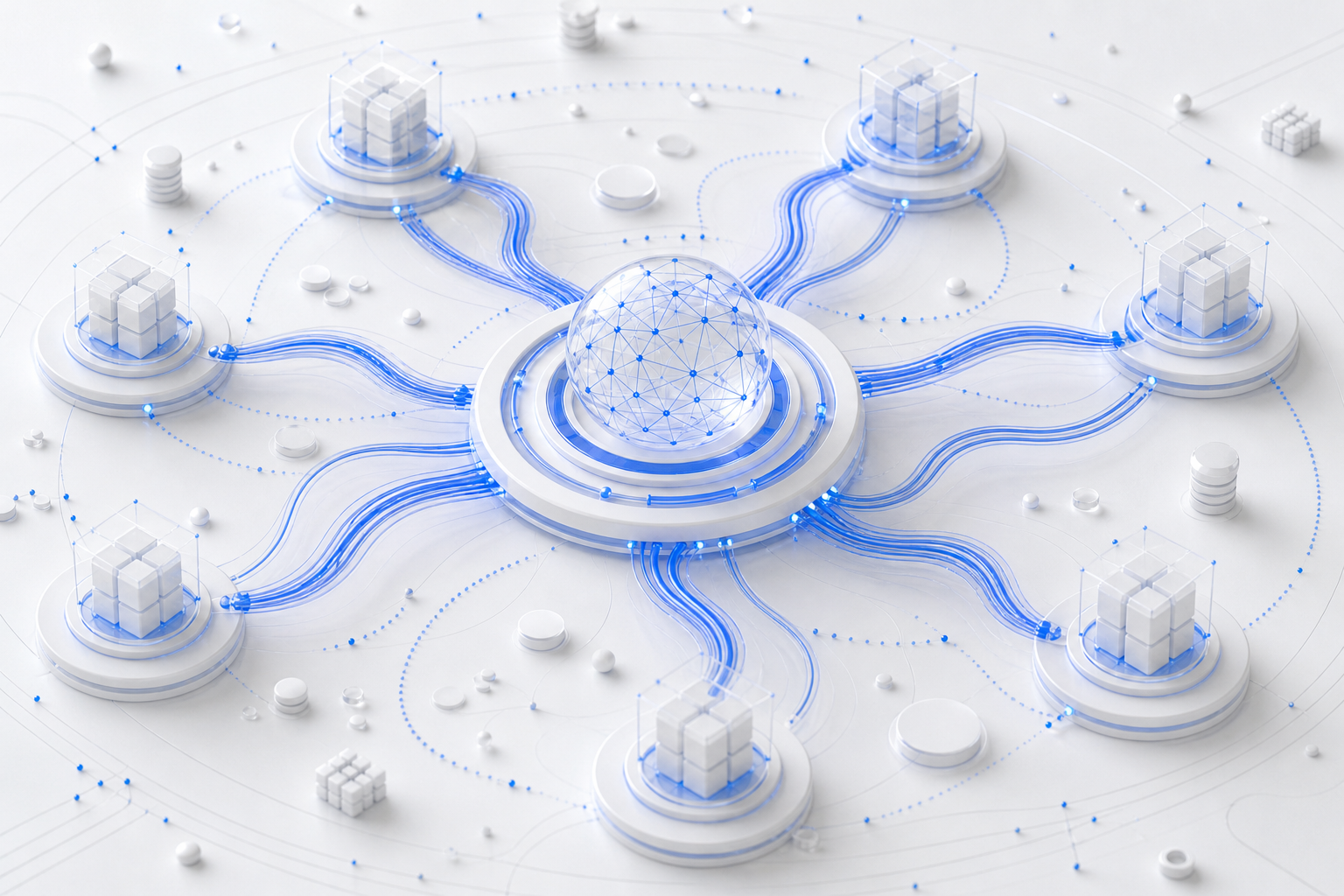
Minimum viable architecture (high level)
- Agentforce agent (host): the Agentforce runtime that executes agent behavior and requests context.
- MCP client: a client component inside the Agentforce integration layer that speaks MCP JSON-RPC to one or more MCP servers.
- MCP server(s): one or more context servers exposing resources, tools, and notifications. Local sensitive stores can run an MCP server using stdio transport; managed or partner services can expose a streamable HTTP transport with OAuth.
- Observability: log all request/response pairs and subscribe to MCP notifications to capture context updates and change events.
Implementation checklist (concrete actions)
- Scope and use case: pick one low-risk, high-value workflow (e.g., inbound chat agent assist). Define success criteria (latency target, integration count, ops playbook).
- Select MCP server(s): decide between local (stdio) or remote (streamable HTTP) based on data sensitivity. Document the decision.
- Provision MCP client in Agentforce integration layer: adopt an SDK or implement the JSON-RPC data-layer for discovery, tool execution, and notifications.
- Authentication: configure OAuth (recommended in MCP transport guidance) or enterprise API-key flows for remote transports; ensure token lifecycle is documented.
- Observability and audit: enable request/response logging and subscribe to tool-list change notifications; include these logs in your SIEM/obs stack.
- Security review: validate data flows, encryption-in-transit, and authorization boundaries between Agentforce, MCP client, and MCP servers.
- Run the pilot: measure the defined success criteria and collect operator feedback on usability and reliability.
Operational risks and mitigations
- Risk: Unexpected latency from remote MCP servers can increase agent response time. Mitigation: begin with local stdio-hosted servers for latency-sensitive flows; add caching and timeouts.
- Risk: Misaligned discovery/versioning between clients and MCP servers. Mitigation: use MCP discovery primitives and enforce version checks during client startup.
- Risk: Audit gaps if context delivery is not logged. Mitigation: capture and store MCP request/response streams and notification events as part of the audit trail.
Headless 360 operating-model point of view
Headless 360 recommends treating MCP-enabled context as a first-class operational artifact alongside data schemas and API contracts. That means:
- Governance: create a Context Owner role that controls MCP servers’ resource definitions, access policies, and lifecycle.
- Developer experience: provide an MCP sandbox and SDKs so product teams iterating on Agentforce agents can discover and test resources without impacting production contexts.
- Platform telemetry: include MCP primitives and notification subscriptions in your platform’s SLOs and runbooks. Instrument context-source health separately from model performance to avoid incorrect root-cause analysis.
Why that POV matters: Agentforce is built as a set of platform primitives and integrations across Salesforce clouds; aligning organizational responsibilities around context sources reduces friction when multiple product teams share agents or AgentExchange components.
Concise FAQ
Q: Does MCP replace the need to secure data in Agentforce?
A: No. MCP is a protocol for context exchange. You must still secure your underlying data stores and enforce authorization between the MCP server and Agentforce MCP client (the MCP transport layer supports OAuth and other authentication modes). (See: MCP transport recommendations.)
Q: Which transport should I choose first—stdio or streamable HTTP?
A: Use stdio for local, latency-sensitive, or highly confidential contexts (it avoids network hops). Use streamable HTTP when you need a remotely hosted context service with standard HTTP authentication (OAuth recommended). The MCP documentation describes both options.
Q: Can existing third-party context services be used as MCP servers?
A: Yes, provided they implement MCP’s data-layer primitives and one of the supported transports. MCP was designed to let AI hosts connect to multiple servers (local or remote) in a consistent way.
Q: Will this force us to standardize on a single LLM vendor?
A: No. MCP focuses on context exchange; it does not mandate how hosts manage or call LLMs. That separation preserves choice in model selection while standardizing how context is delivered.
References
- Salesforce Agentforce product and MCP support overview: https://www.salesforce.com/agentforce/mcp-support/
- Model Context Protocol — Architecture overview (data and transport layers, discovery, primitives): https://modelcontextprotocol.io/docs/learn/architecture
HEADLESS 360 OPPORTUNITY SESSION
Bring one workflow.
Leave with a clearer move.
KEEP READING